
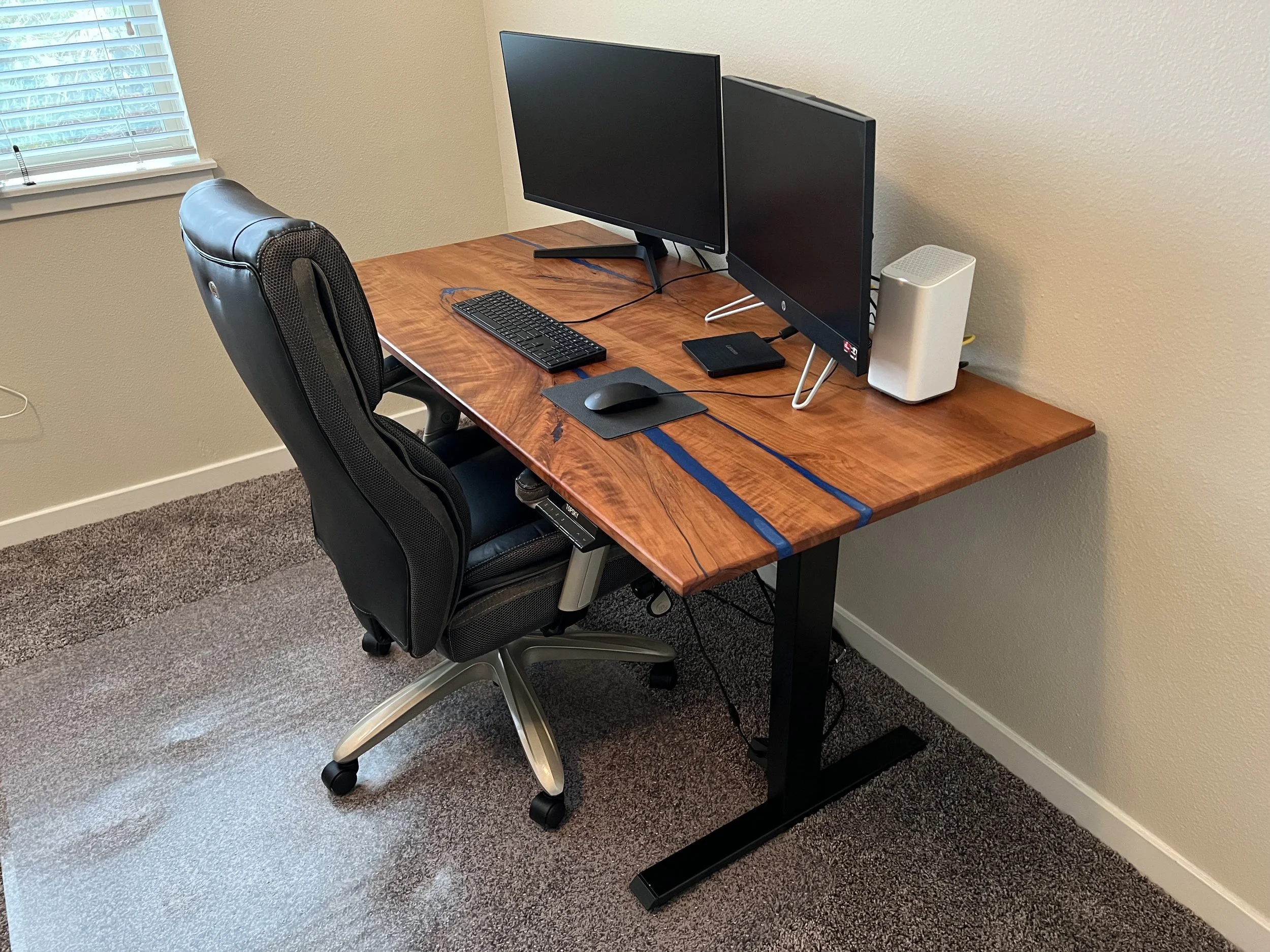
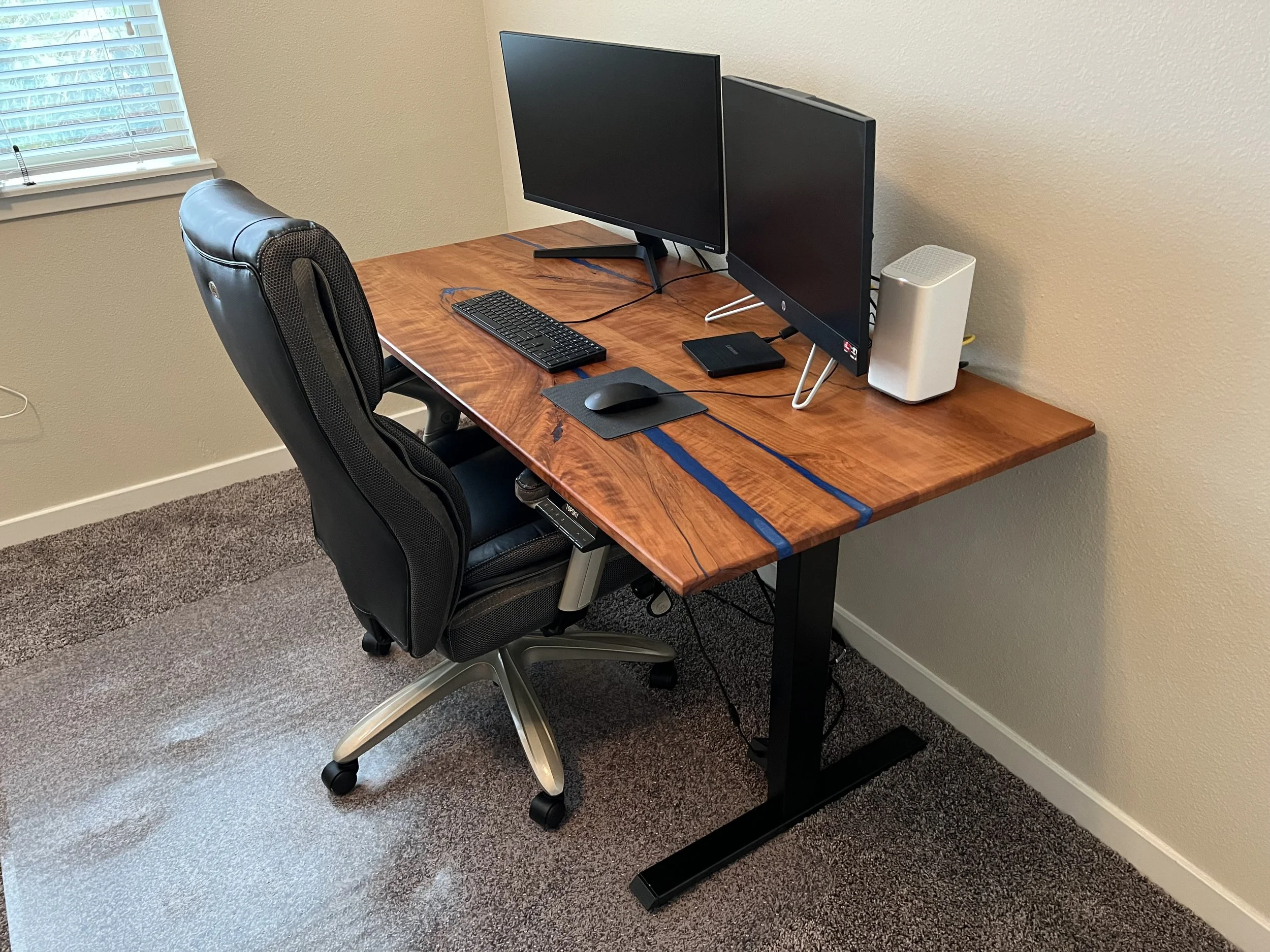
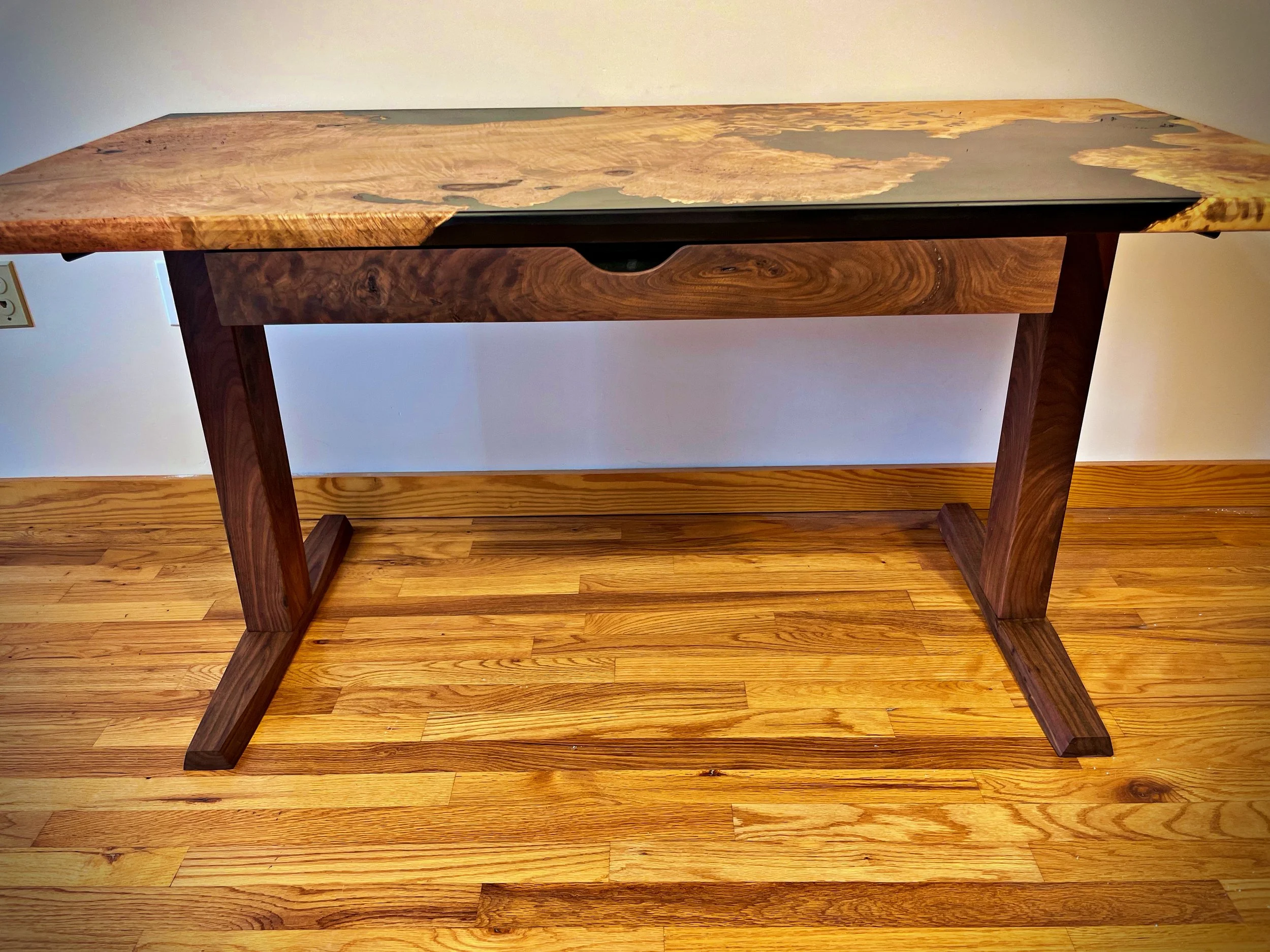
Reverse Bookmatched Old Growth Cherry w/ Deep Blue Resin at home in Denver
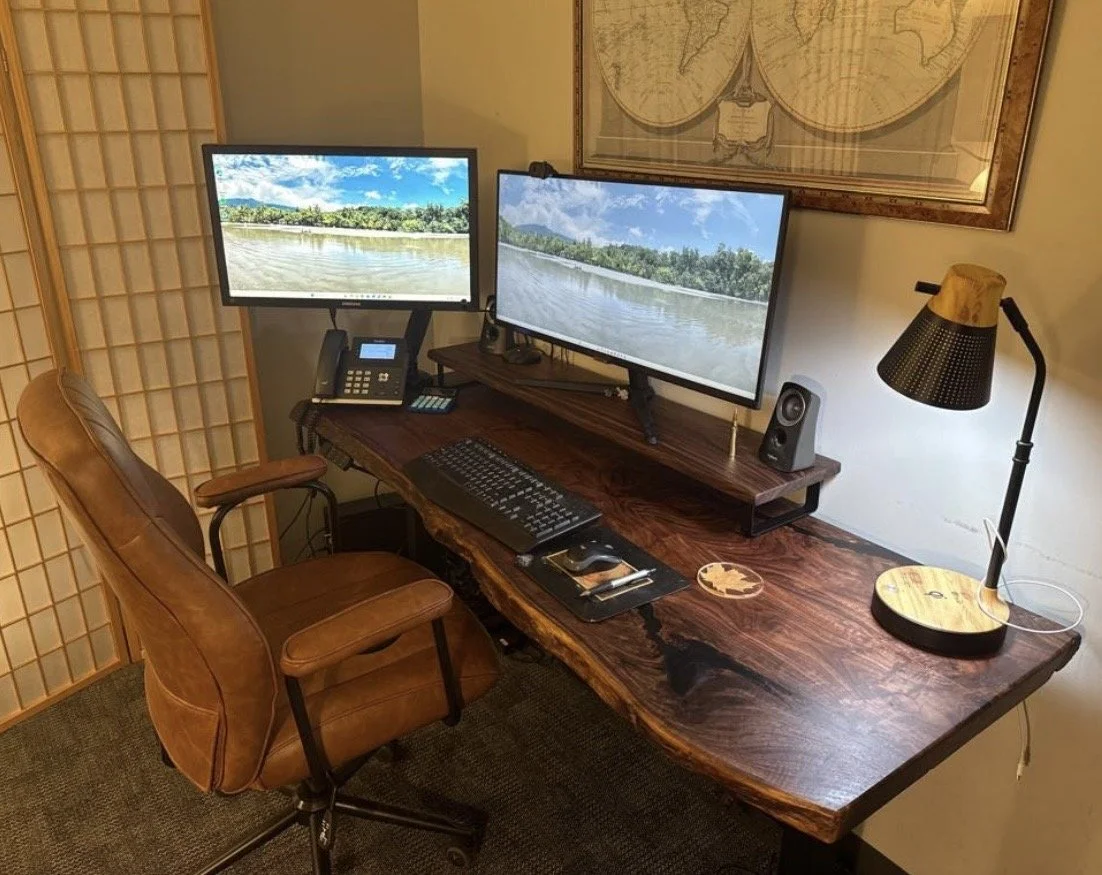
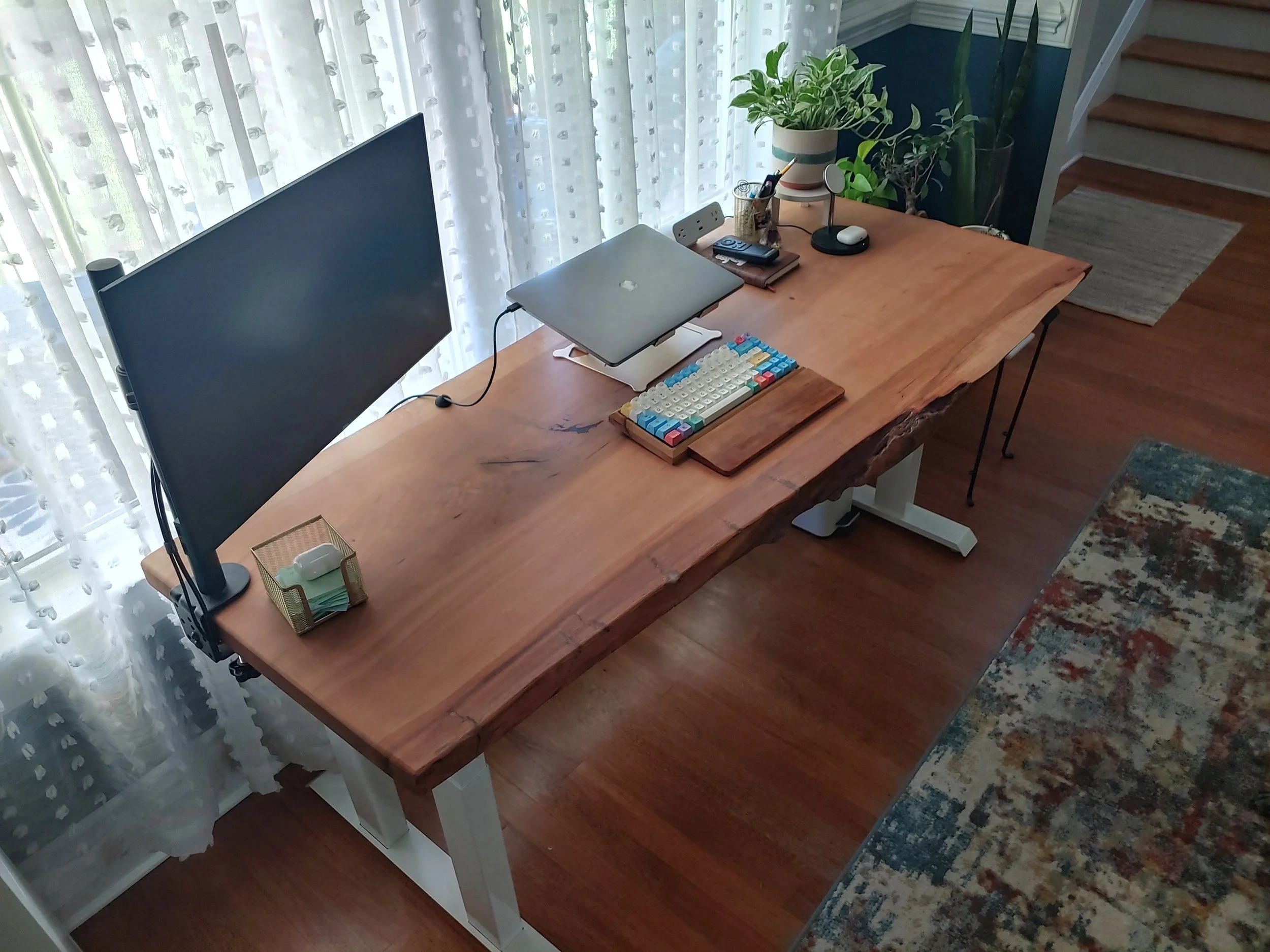
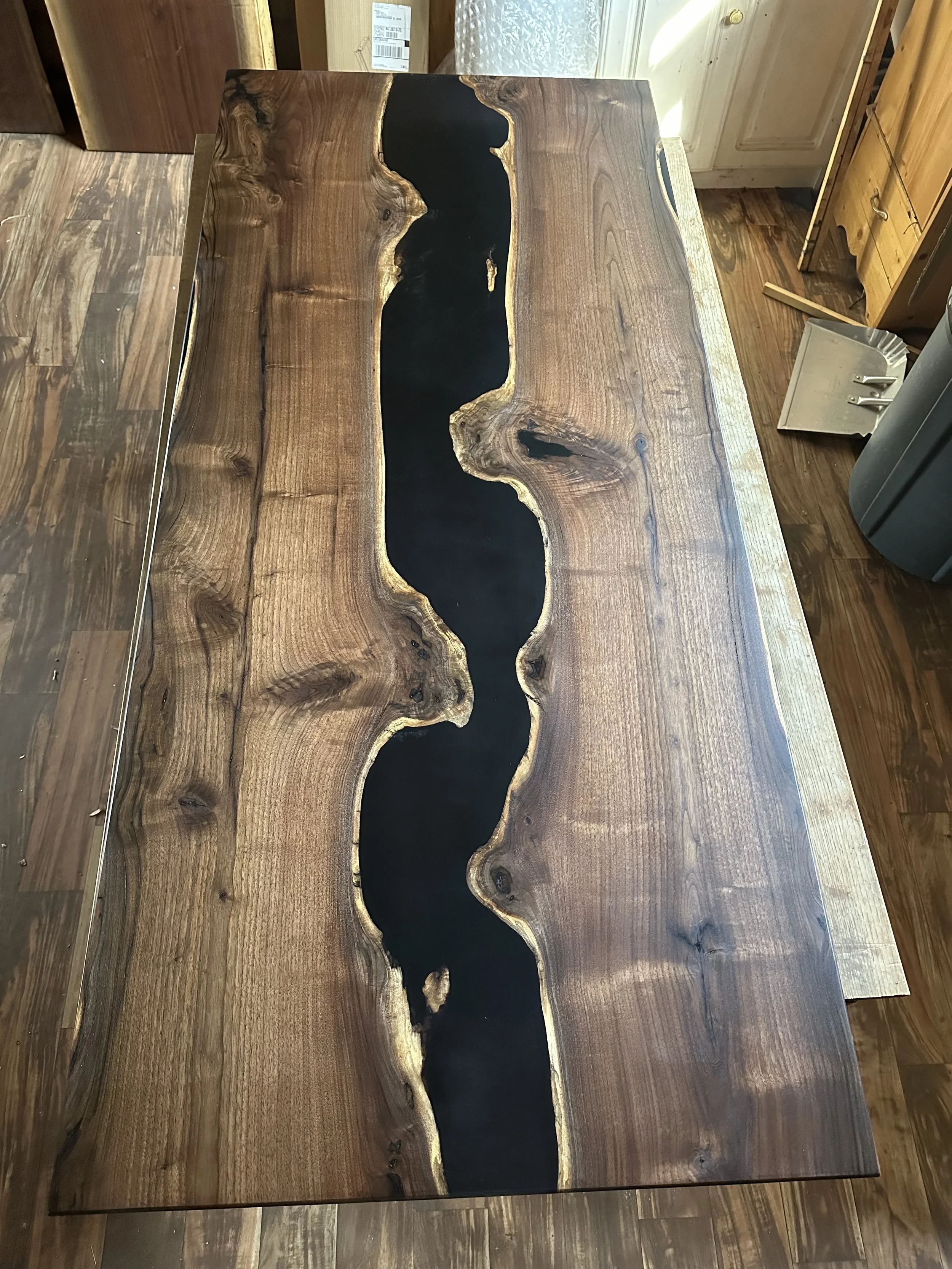
Siberian red elm at home in Charlotte
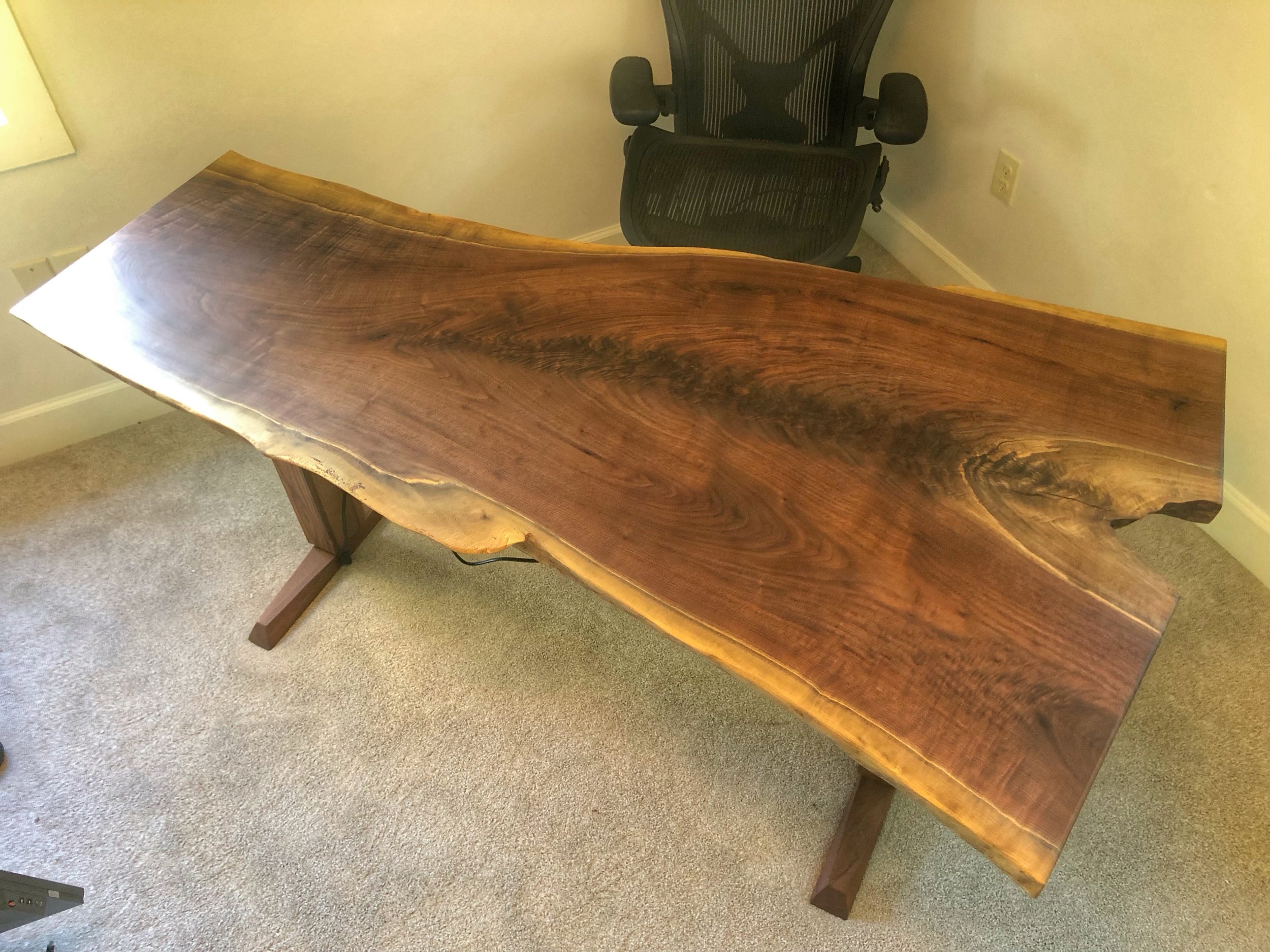
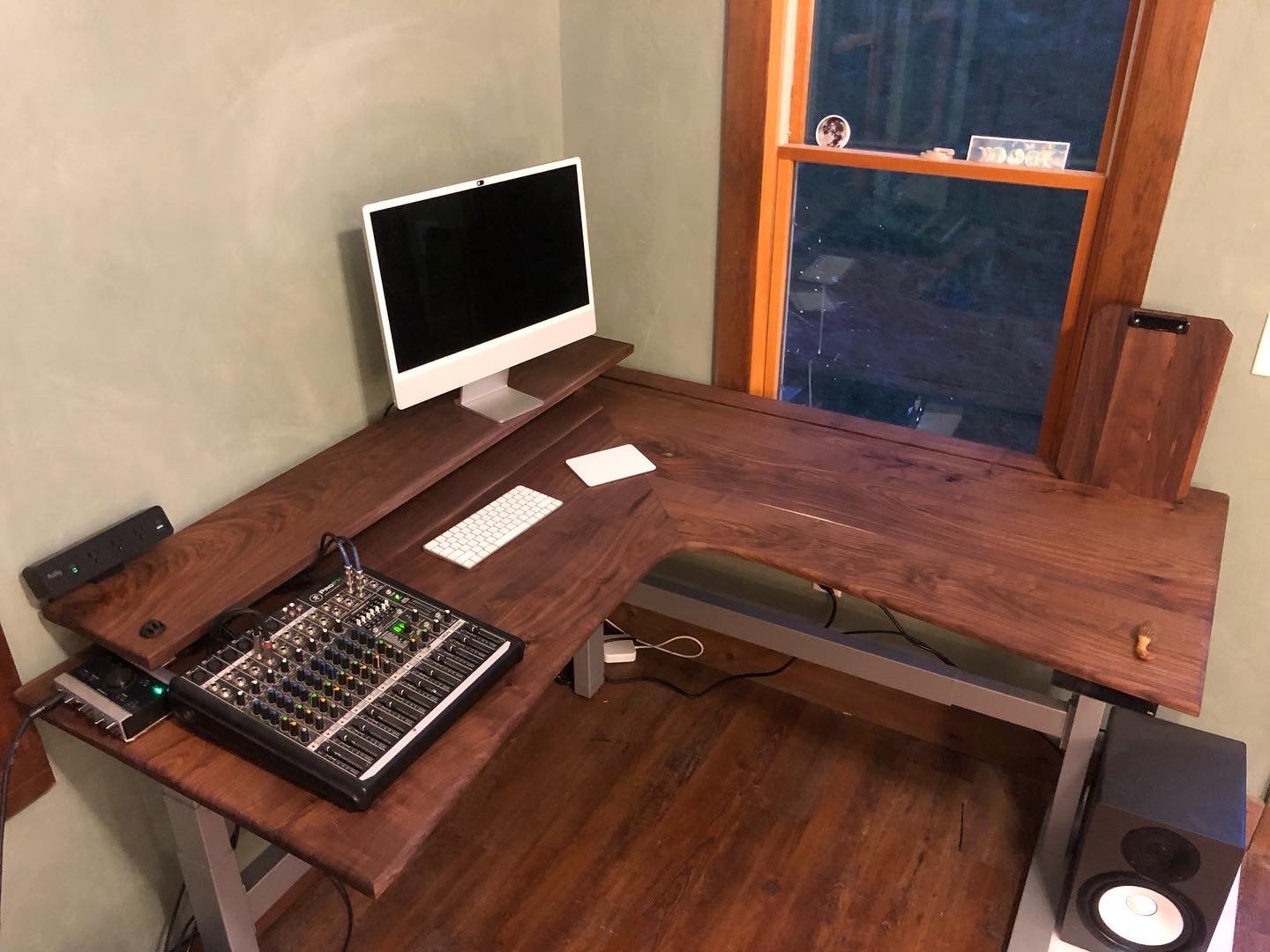
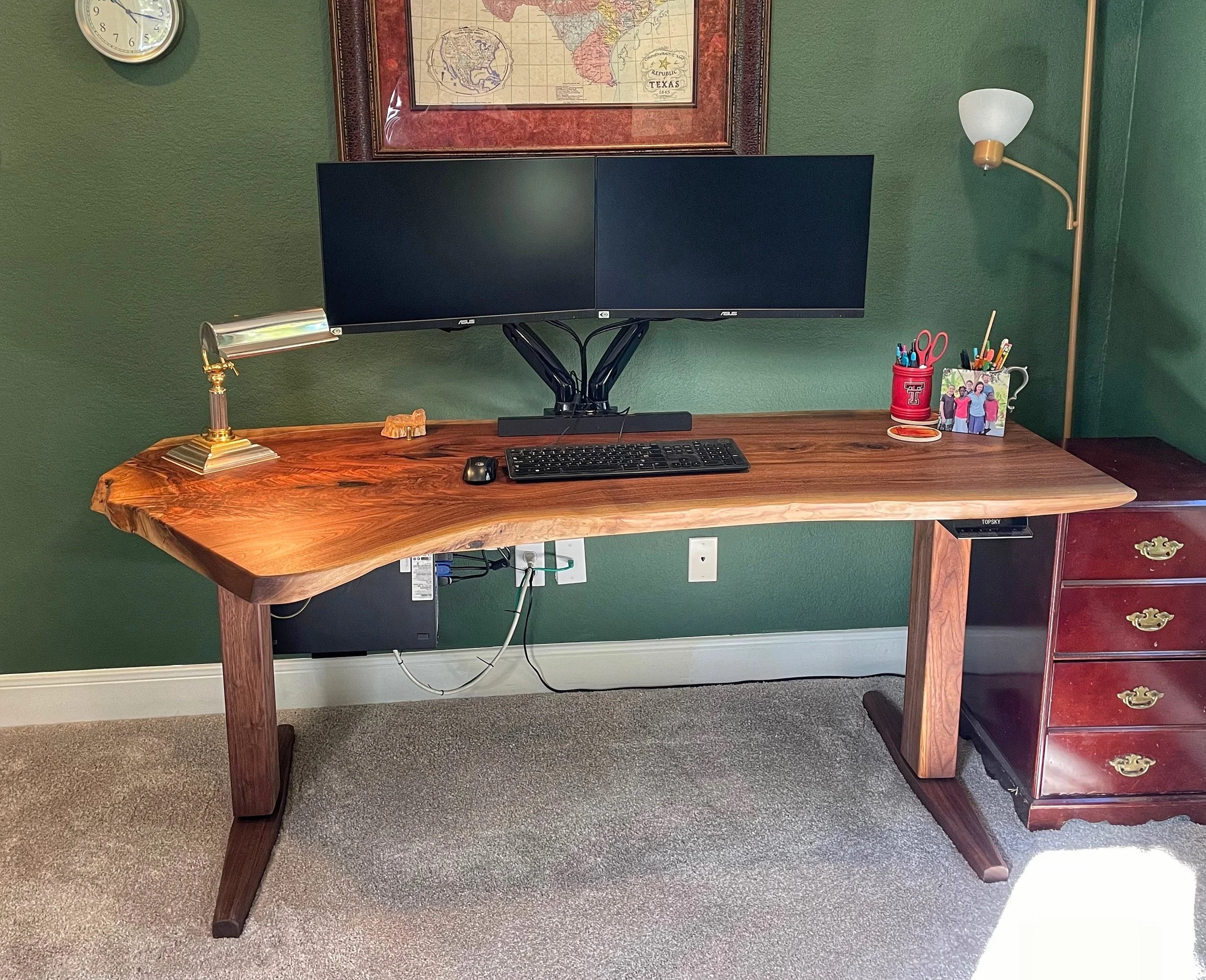
Live Edge Black Walnut at home in Dallas
Many of us spend the majority of our working days at our desks. At Estatoe Woodworks, we specialize in optimizing that time by custom building you a desk designed specifically to your needs and space from your choice of Appalachian hardwoods. With ergonomic modern features like an electric sit/stand base that allows for easy adjustments in seating height, you can work more comfortably. With a integrated cable management system you can finally get that mess of cords under control. And with further features like invisible wireless chargers, drawers for storage, and much more you can make your desk truly your own and a work of beauty to enjoy your days at. Custom build your own desk to suit your needs and bring some of the beauty of nature into your workspace. Fill out the form below to get the process started.
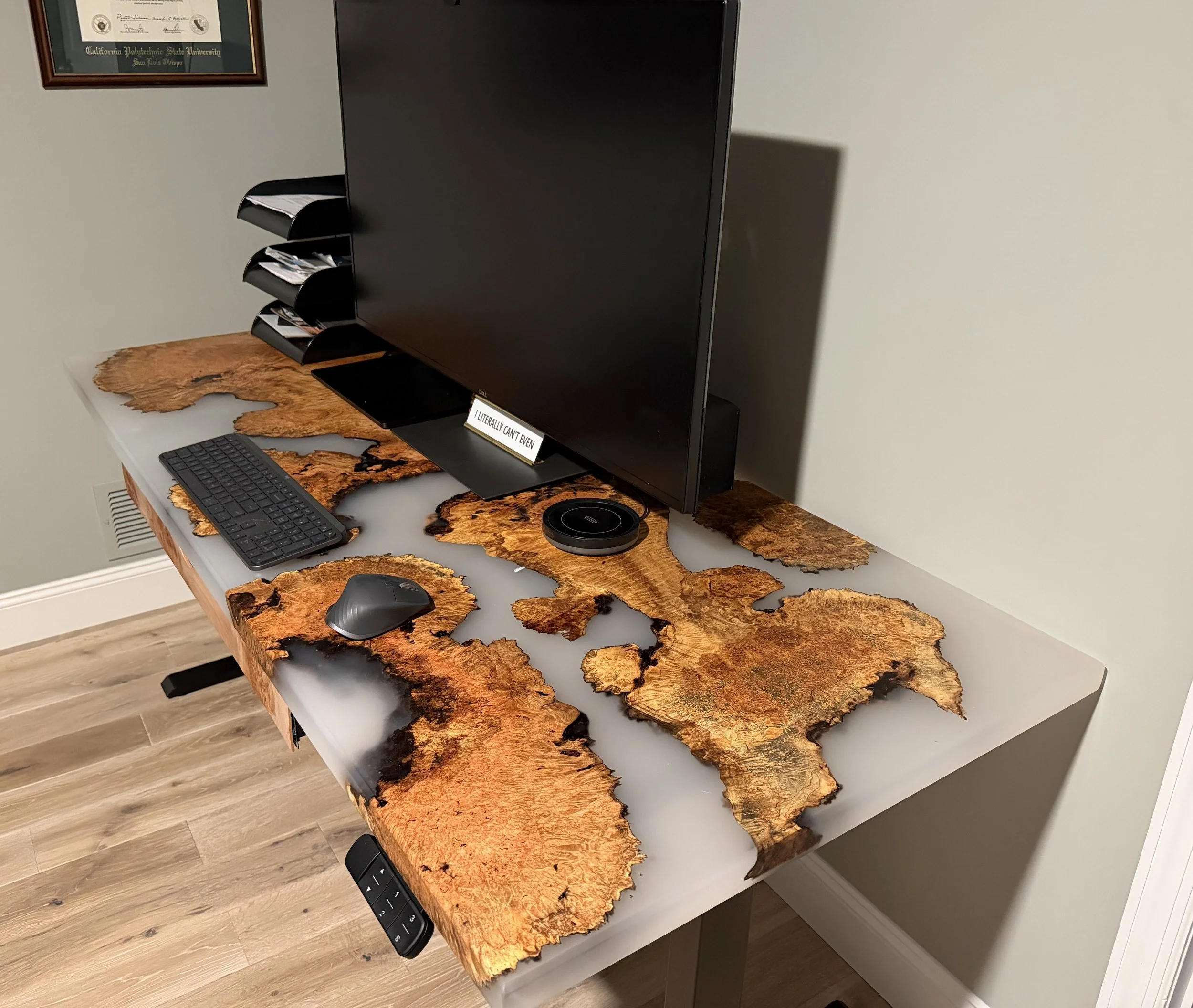
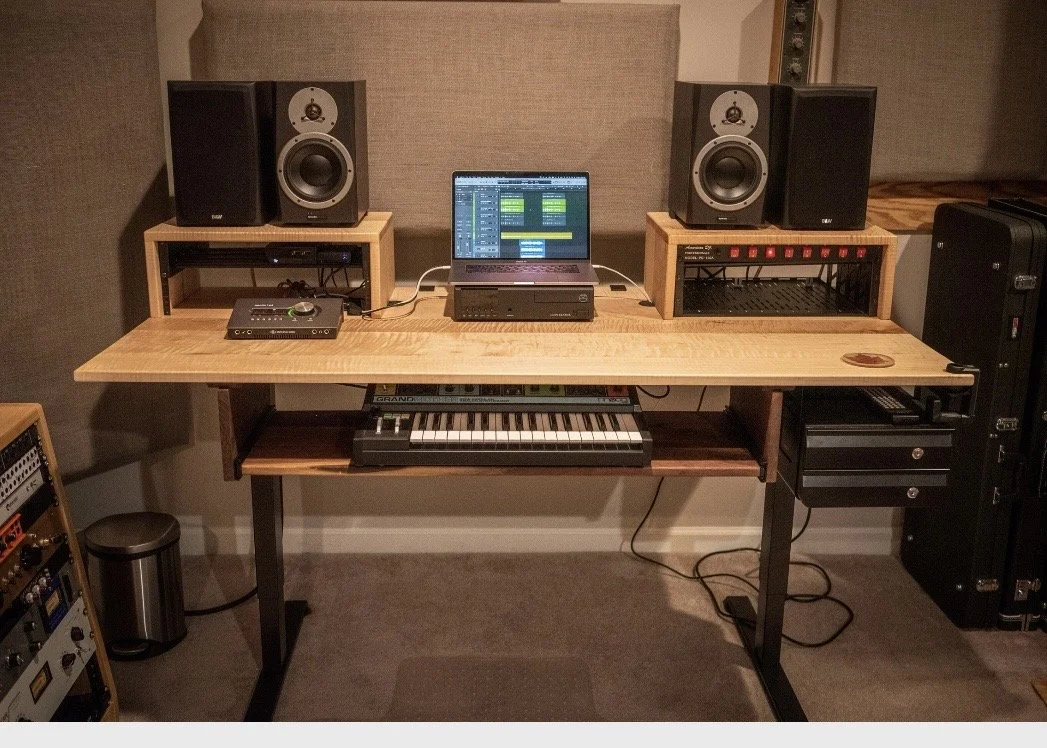
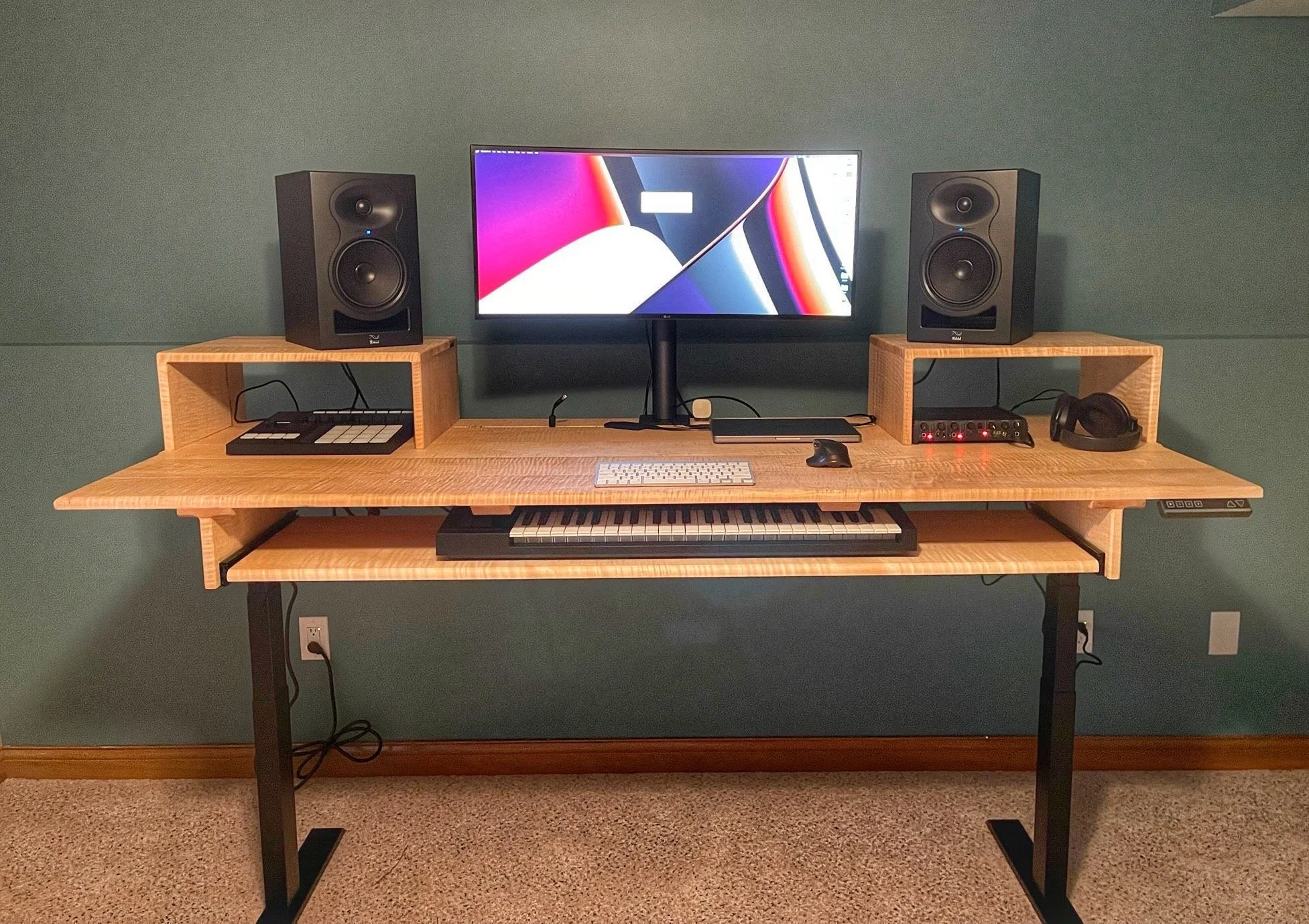
Curly Maple Studio Desk at home in Chicago
Every project starts with selecting the material. For live edge desks, I keep a constantly rotating selection of beautiful slabs in stock for you to choose from. You can browse our currently available inventory at the link below. Common options include black walnut, various maples, cherry, oak, elm and many more.
https://drive.google.com/drive/folders/1-47xq45uiE0PbTeZD4BtmesEB16UUaU-?usp=drive_link
Once you have selected your material, we can go from there customizing your desk to suit your needs. You can choose your final size and whether you want any additional features like a wood faced base, drawer, wireless charger, monitor stand or grommet. When the design is finalized I will send you a estimate and a rough timeframe for completion and upon confirmation of a 50% deposit schedule your desk in. The final 50% is due upon completion.
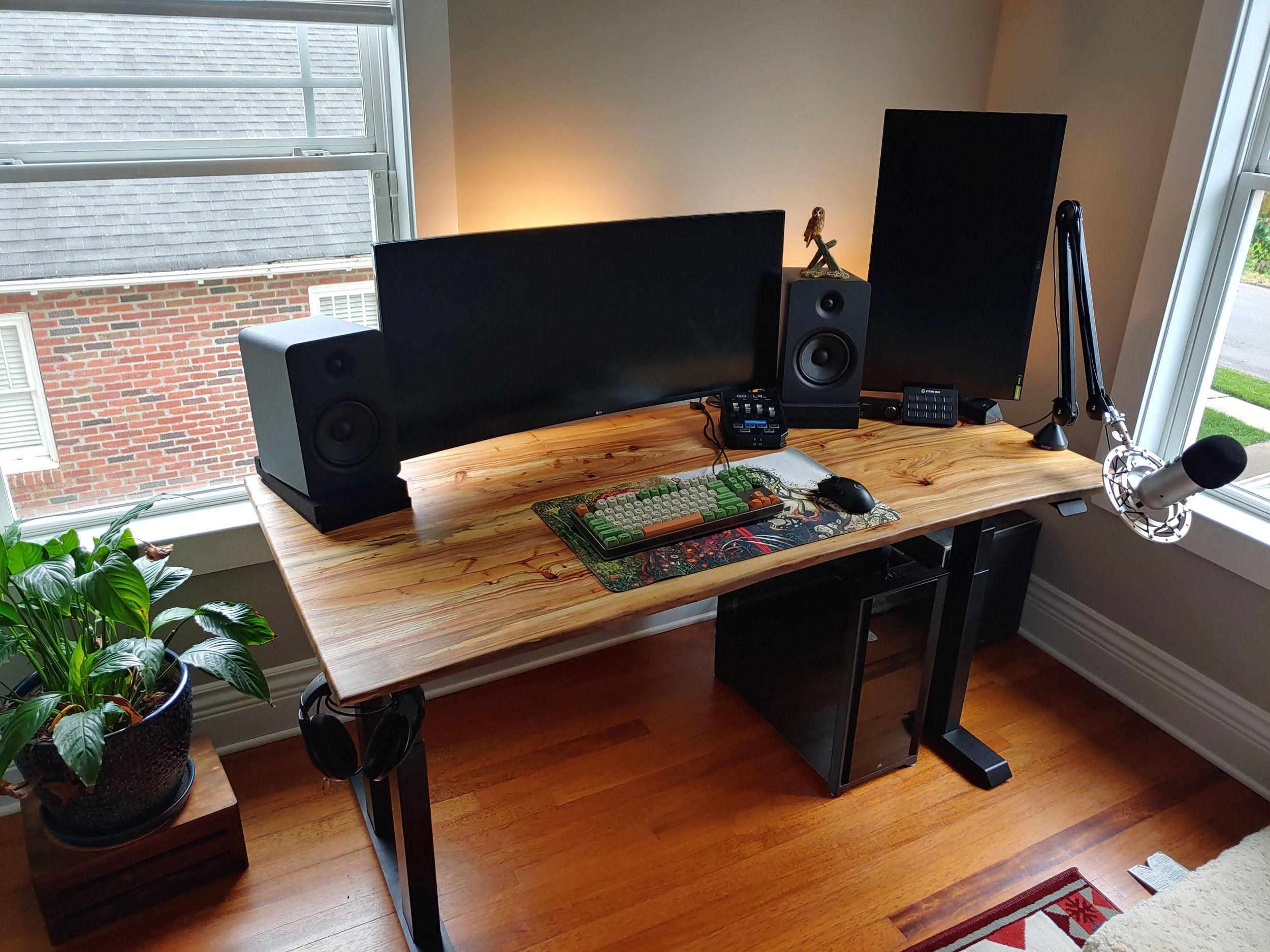
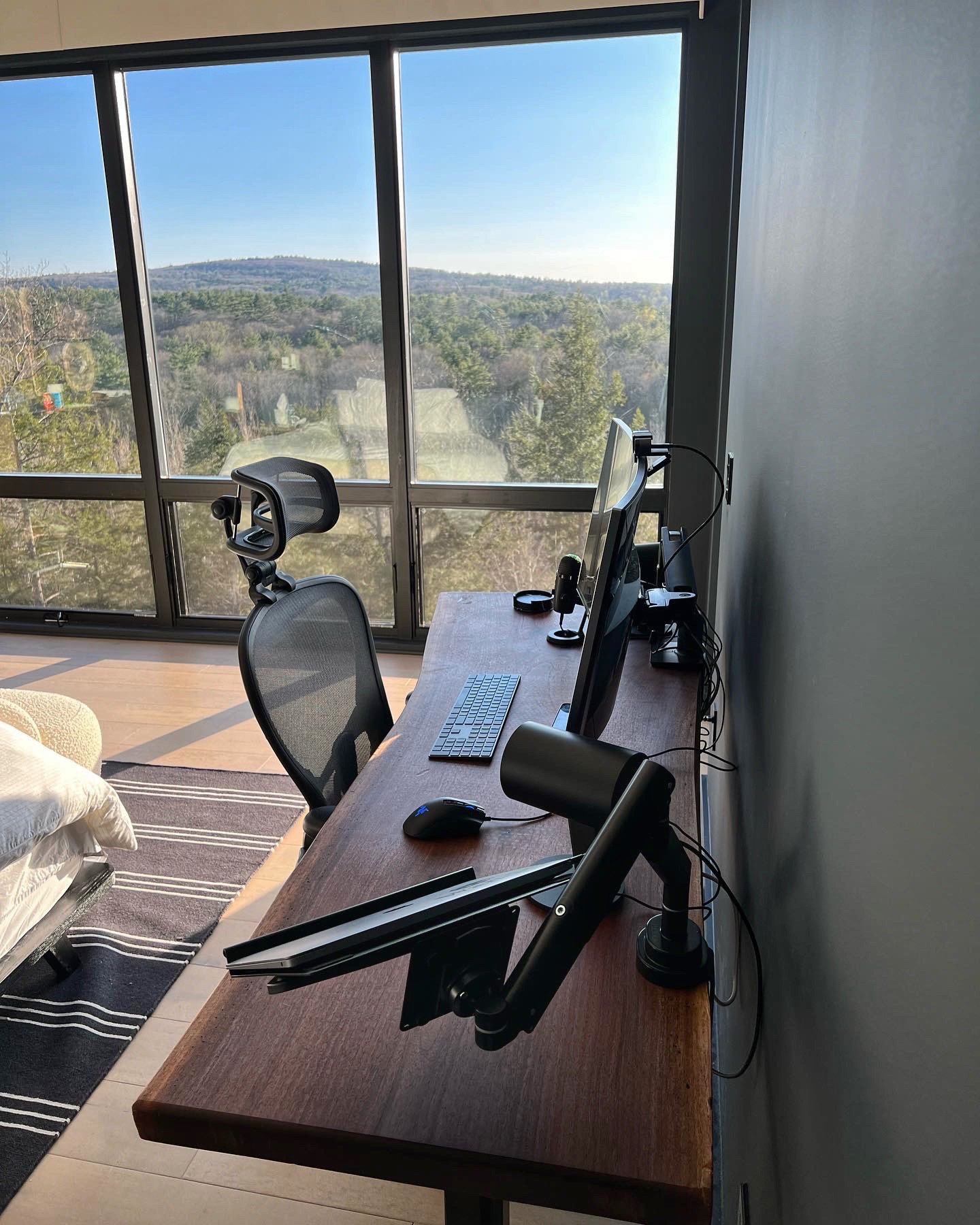
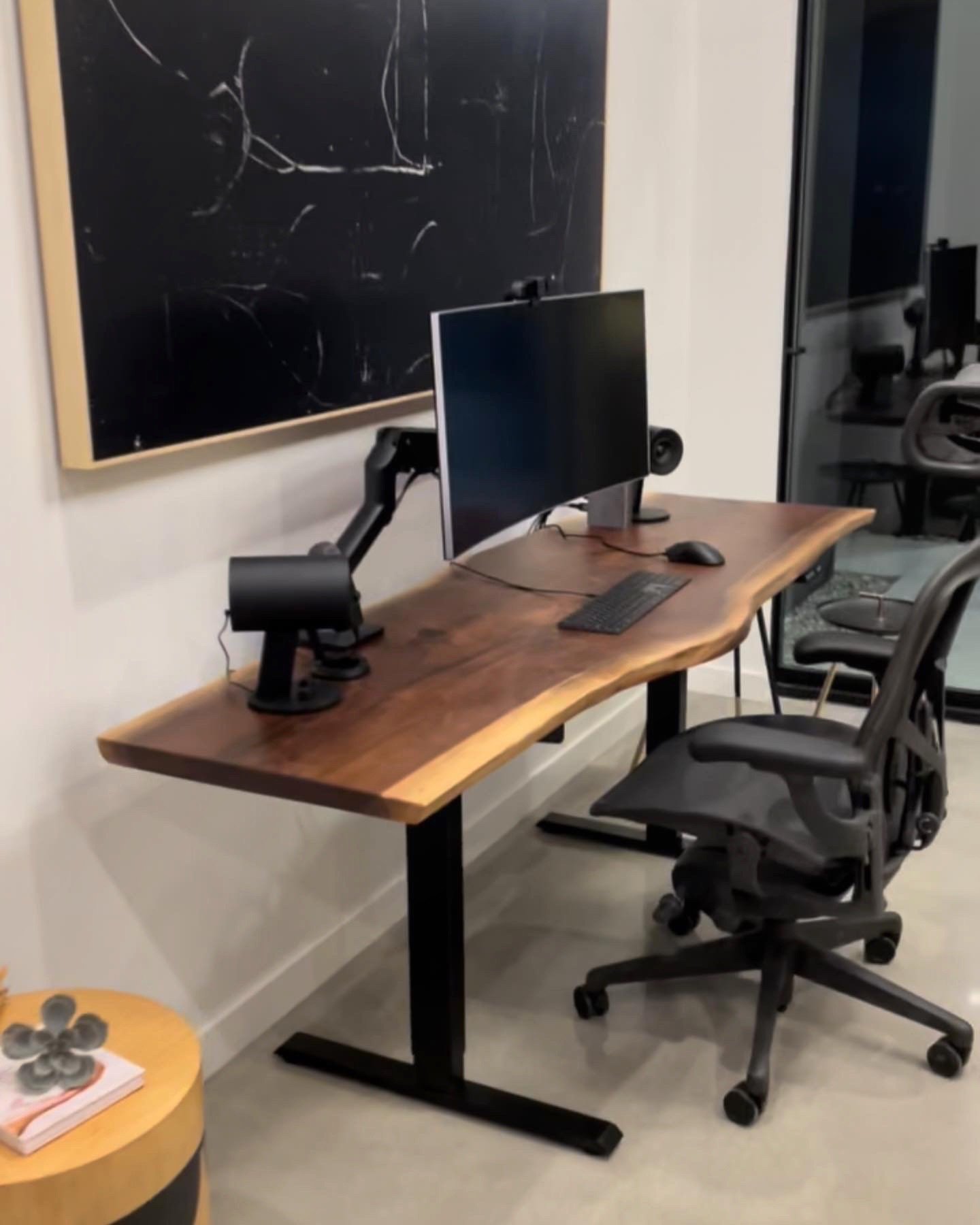
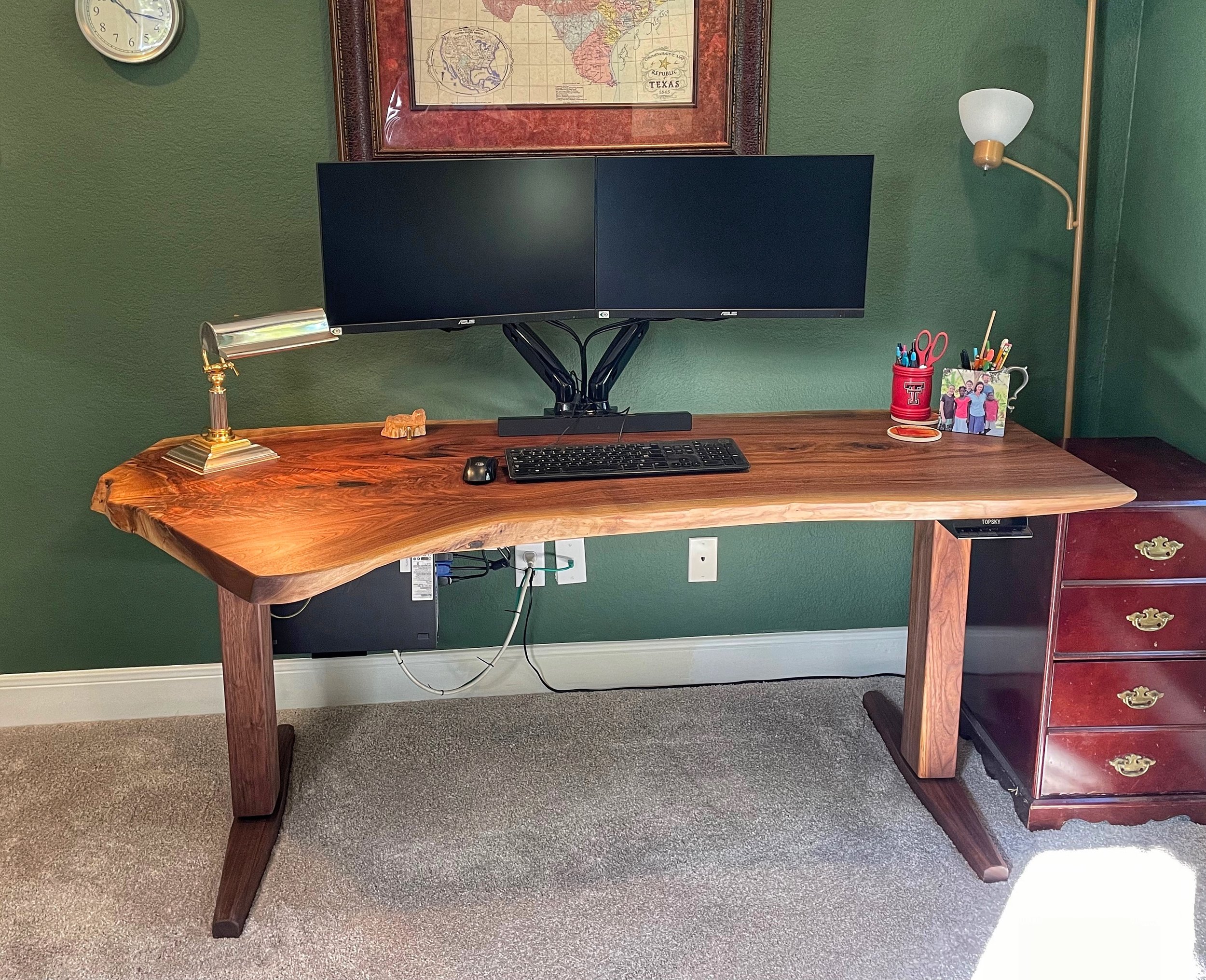
To get the process started, fill out a form below and I will respond promptly to begin the discussion of your custom desk! Typical lead time for a custom desk is three to four weeks.
Sample Photos of Optional Add-on Features

The interior dimensions of the drawer are 30x9x2.4
A front view of a wood faced base
Sample of a invisible wireless charger - just set your phone on the wood to charge!
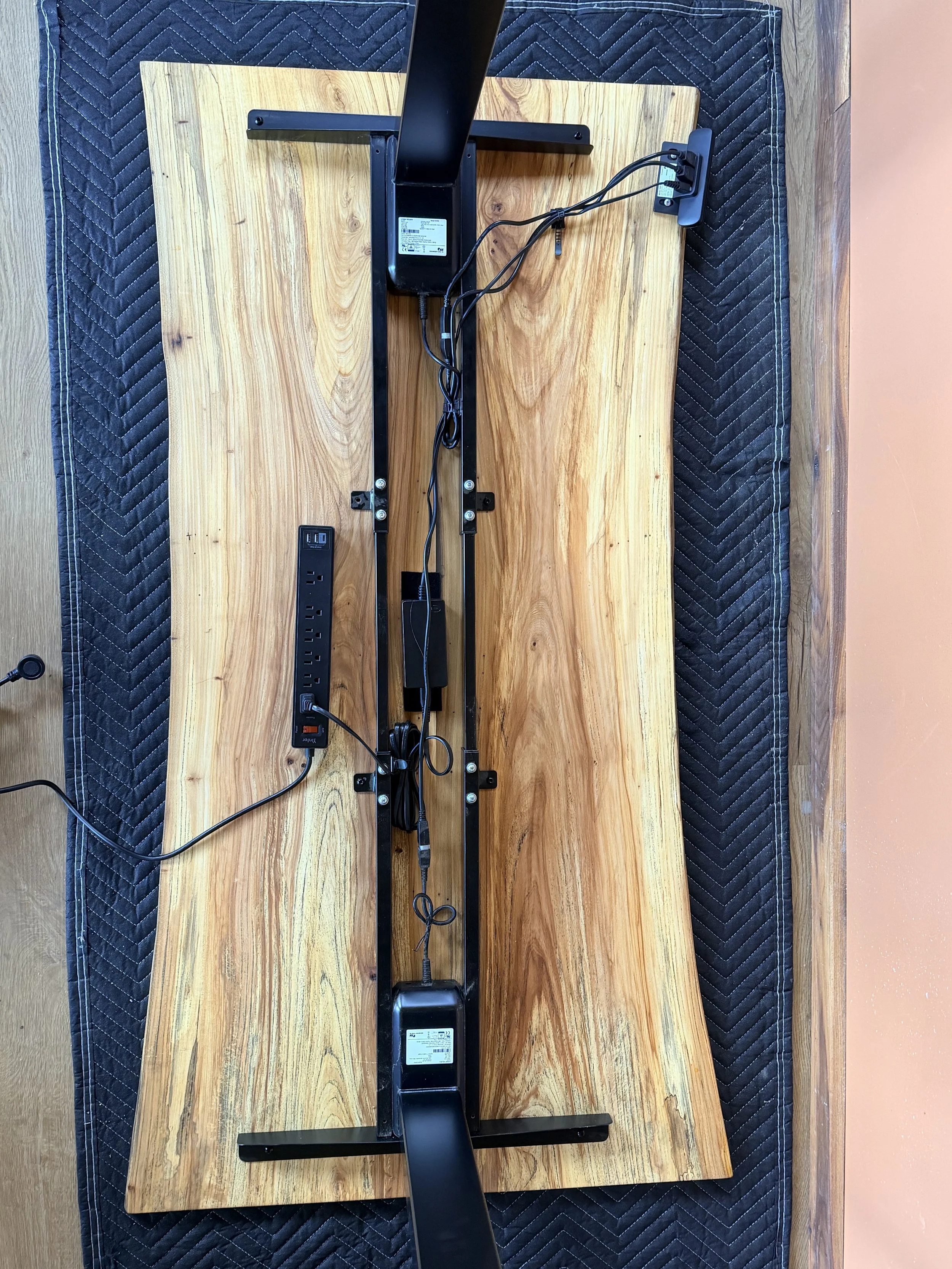
With the desk face down, bolt the base to it, mount the keypad, install the power strip to screwheads, power blocks with velcro strips, as well as tidy cables with ties.
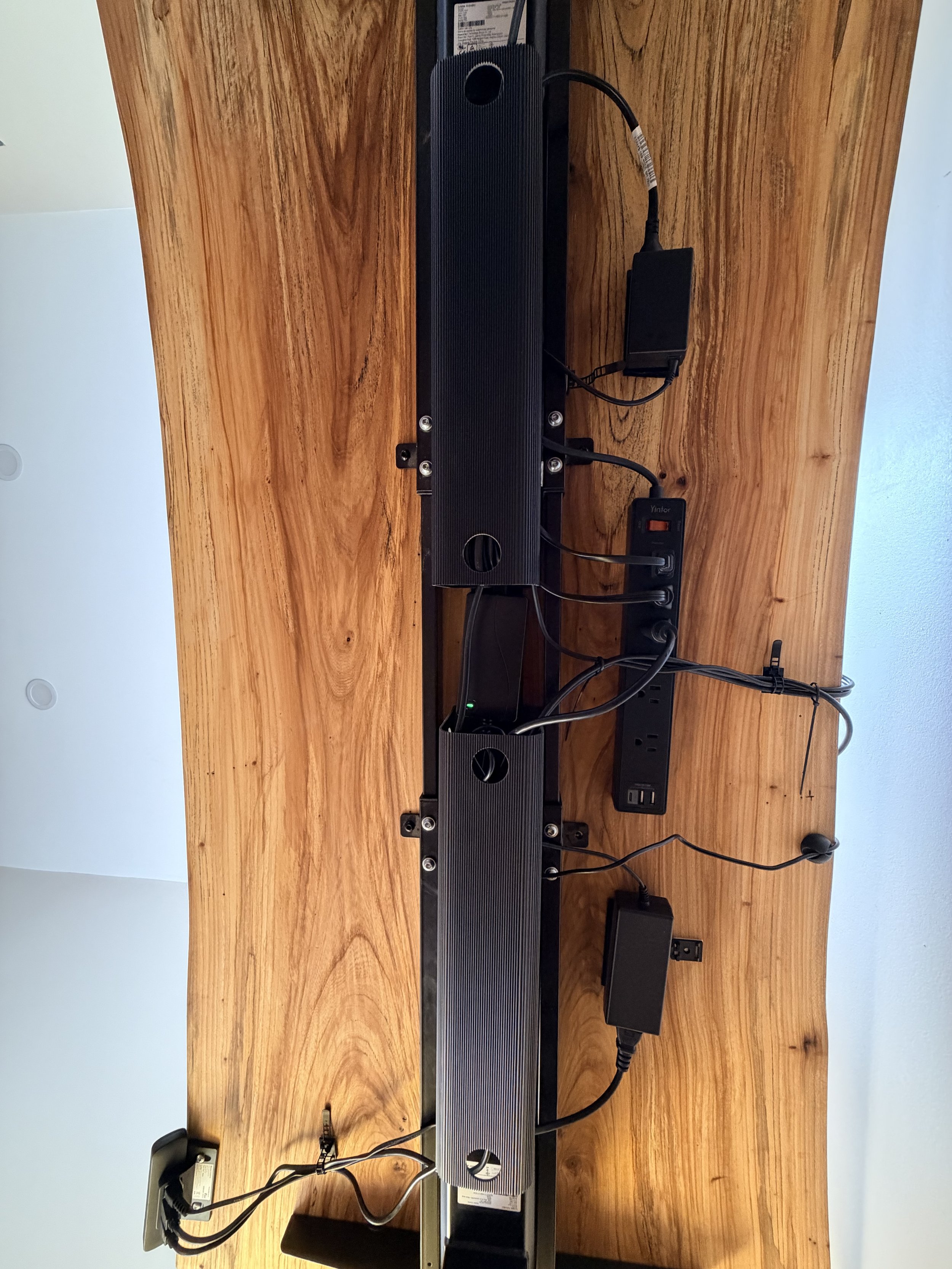
Finished cable management, with the raceways concealing excess cables, ties biding them together and the velcro strips holding all power blocks.
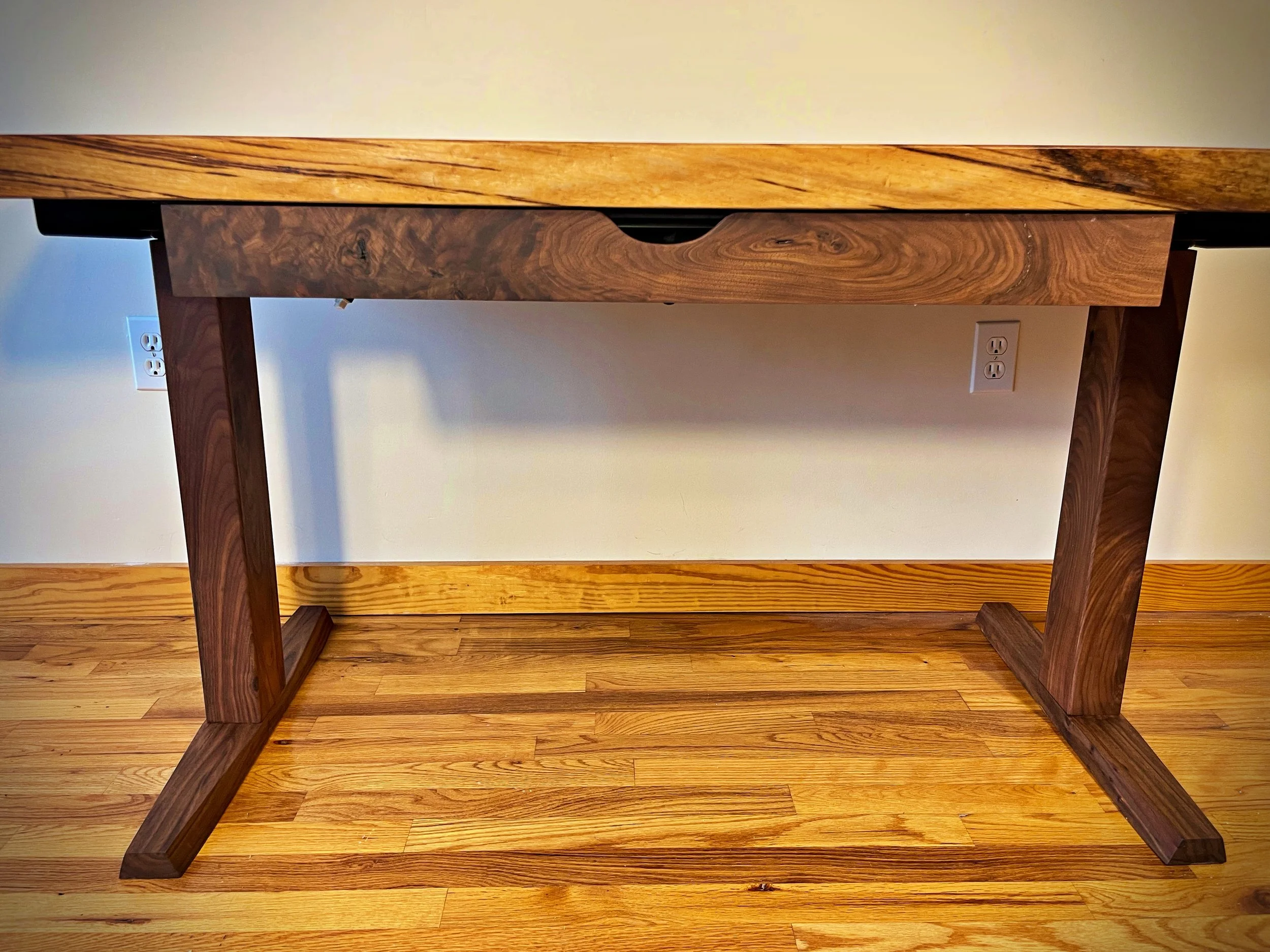
A front view of the drawer, which is faced in matching wood to the top
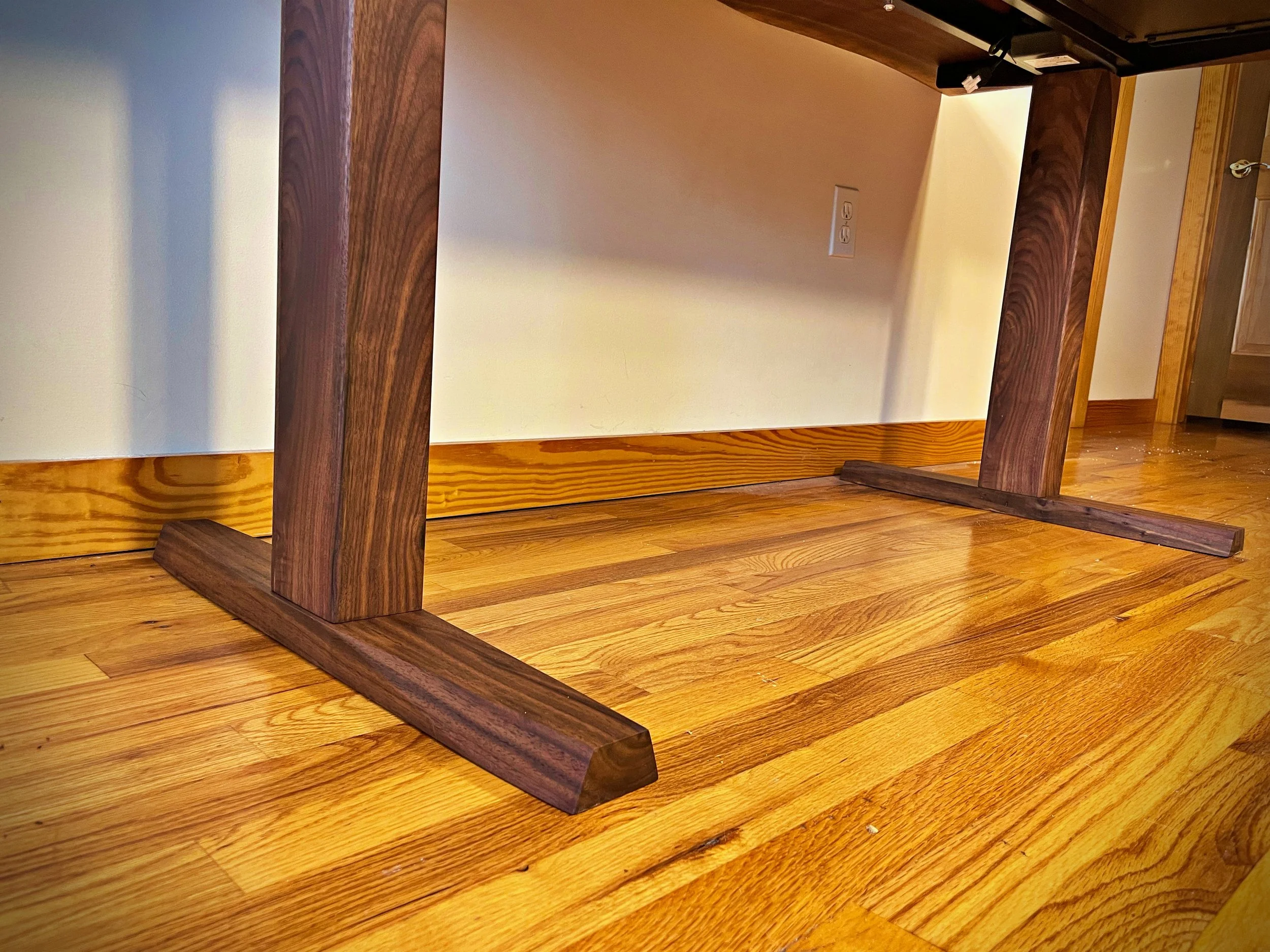
A side view of the wood faced sit/stand base
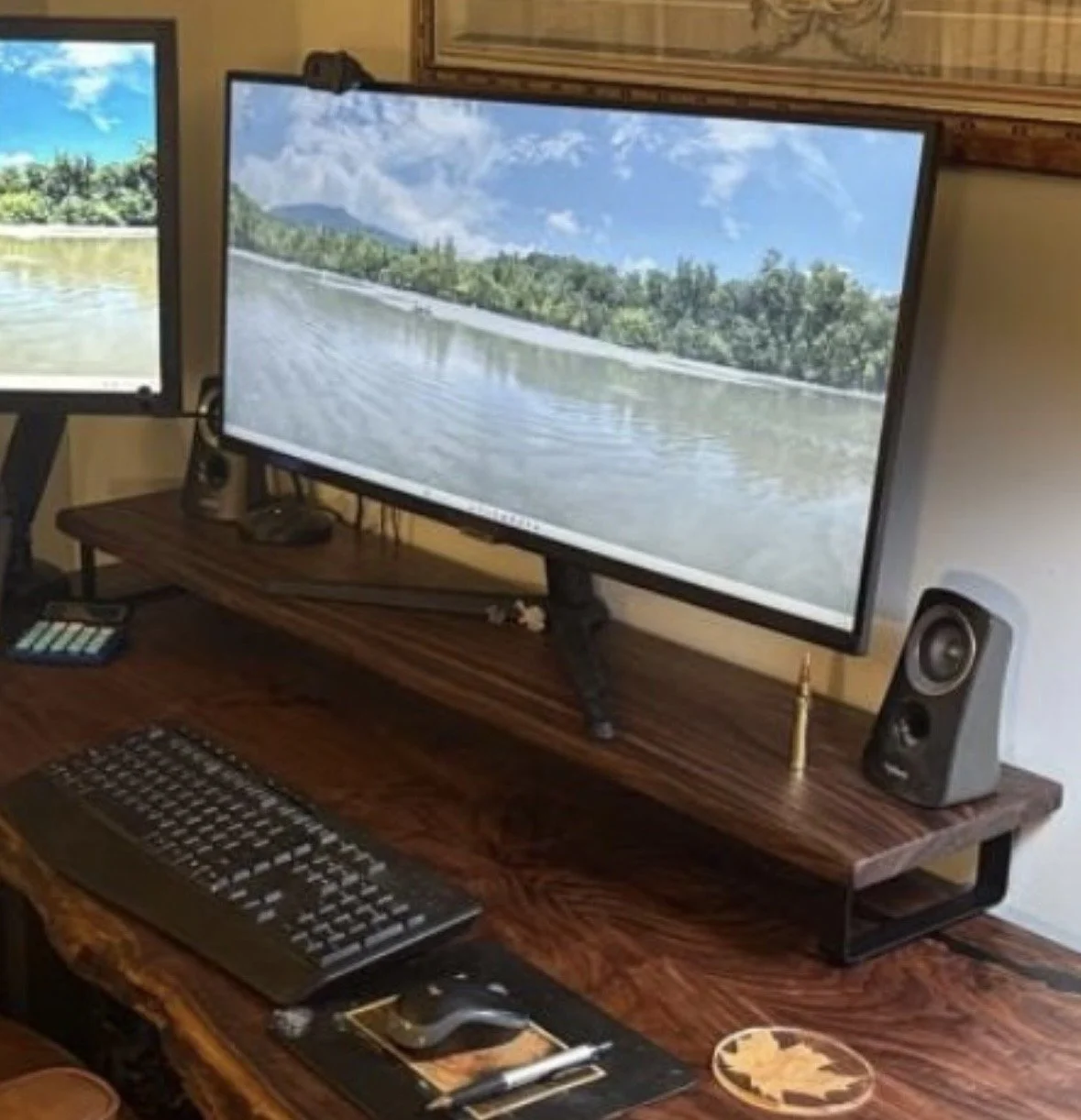
Monitor stand in matching wood
Installation Instructions:
To assemble & connect the base:
follow instructions included with the base to assemble it
Place the desktop face down on a blanket or towel and set the base on it, then adjust the base so that it lines up with the pre installed threaded inserts.
Use the included 5/8” black furniture bolts to attach the base to the desktop.
*alternatively, if you don’t have help to flip the desk over, you can place the desk on top of the assembled base and attach it from underneath, it is just more difficult.
To install cable management:
While the desk is placed face down on the blanket or towel, take advantage of the ease of access to install and tidy what cables you can as well as attaching any additional features like a drawer, keyboard tray, etc.
Mount keypad on either right or left front edge of desk depending on your preference.
Mount power strip to underside of desk by sliding the keyhole slots in the back of the power strip into the black screw heads.
Mount all power blocks for the standing base, and laptop, etc to the bottom of the desk using the velcro strips.
Mount the cable raceway in-between the rails of the standing base and hide extra lengths of cable in it.
Use the included cable ties to secure remaining loose cables to underside of desk.
Flip the desk upright by tilting it until the feet contact the ground then gently flipping it upright and carrying it into place. Two people are recommended to do this safely.
OPTIONAL FEATURES:
To install wood feet:
Place wood feet over the base pillar and use the included bolts to attach them to the base.
To install drawer:
Line up assembled drawer with pre drilled holes
Secure to the desk using the included screws
To install wireless charger:
Plug USB cable in to included power block (will not work direct to USB, must use block)
To install keyboard tray:
Attach adjustable brackets together with the two small black threaded screws, then align with pre drilled holes and screw in with 3/4” black wood screws.
*FOR L DESKS:
Lay out blankets or towels on floor and place desk sections face down. Insert tenons into mortises in joint, then push two desk sections together. Align metal plates with pre drilled holes and attach with 3/4” black wood screws.
Follow above instructions
Once you have your desk set up I would love to see some pictures of it!
Your desk is finished with Rubio Monocoat, a durable finish with no VOCs (volatile organic compounds) that will protect and bring out the beauty of your desk for years to come. I have also applied a ceramic topcoat for extra water, stain and wear resistance. While no particular maintenance is required, I do recommend using warm lightly soapy water to clean the desk not chemical cleaning products. The included coaster will protect your desk from long term water damage, although setting a water cup, etc down will not damage the finish. While not necessary, Rubio does make a maintenance oil that can be easily applied to restore the finish.